Free RAW to JPG converter — right in your browser
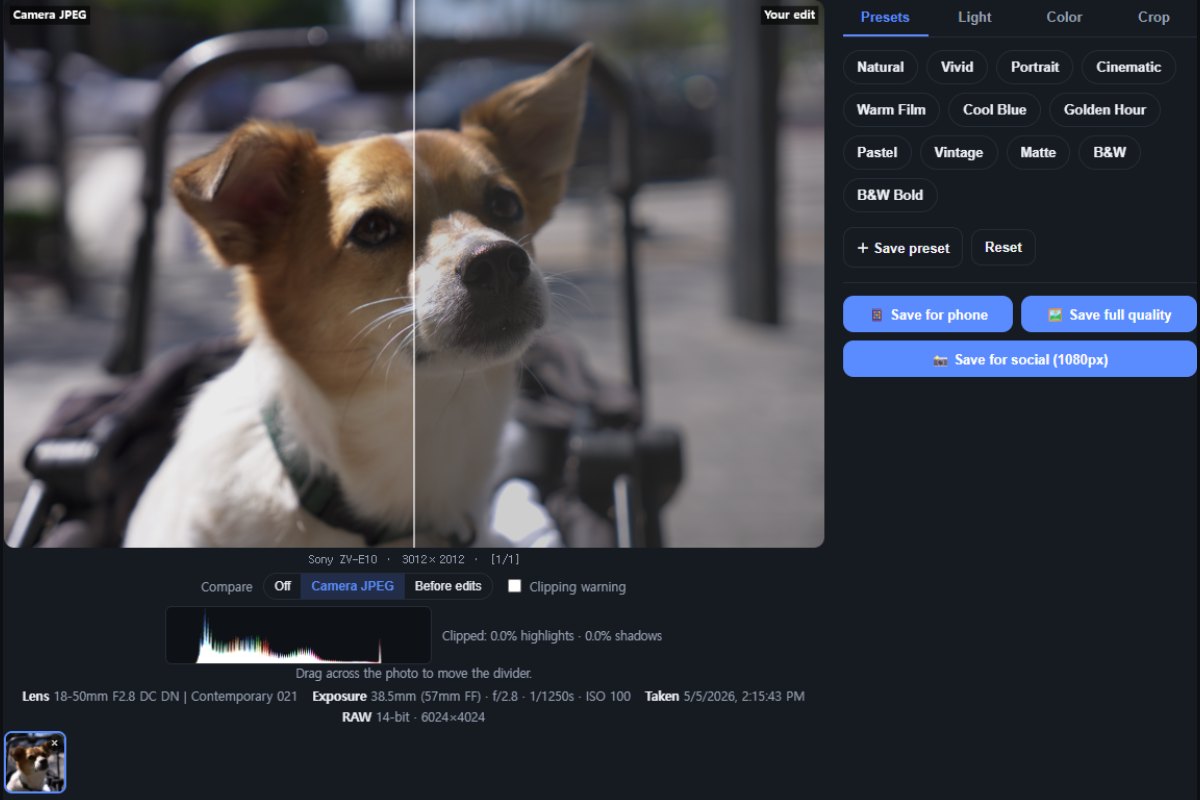
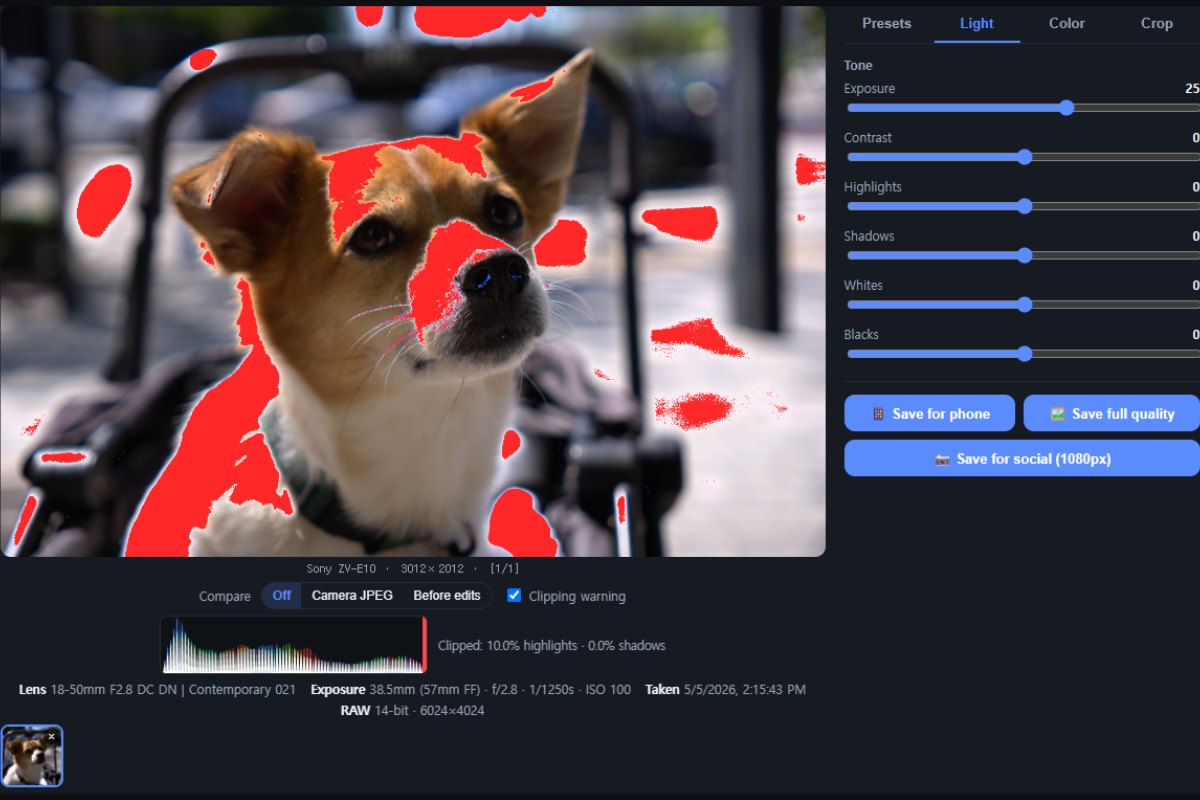
RAWSnap converts camera RAW files to JPG for free, without uploading anything. Your photos are processed entirely in your browser using WebAssembly, so they never leave your device. Apply beautiful presets and fine-tune exposure, contrast, white balance and more — Lightroom-style, no subscription.
Made for people who love shooting RAW
You shoot RAW to keep the quality and the option to fix things later — but you don't want to pay for a subscription, wrestle with complicated software, or give up your originals. RAWSnap is built for exactly that.
- 💸 No subscription, nothing to buy — completely free
- 🎚️ Just quick, simple adjustments — a preset and a few sliders, no steep learning curve
- 🗂️ Keep every shot in RAW; export a JPG only when you need to share
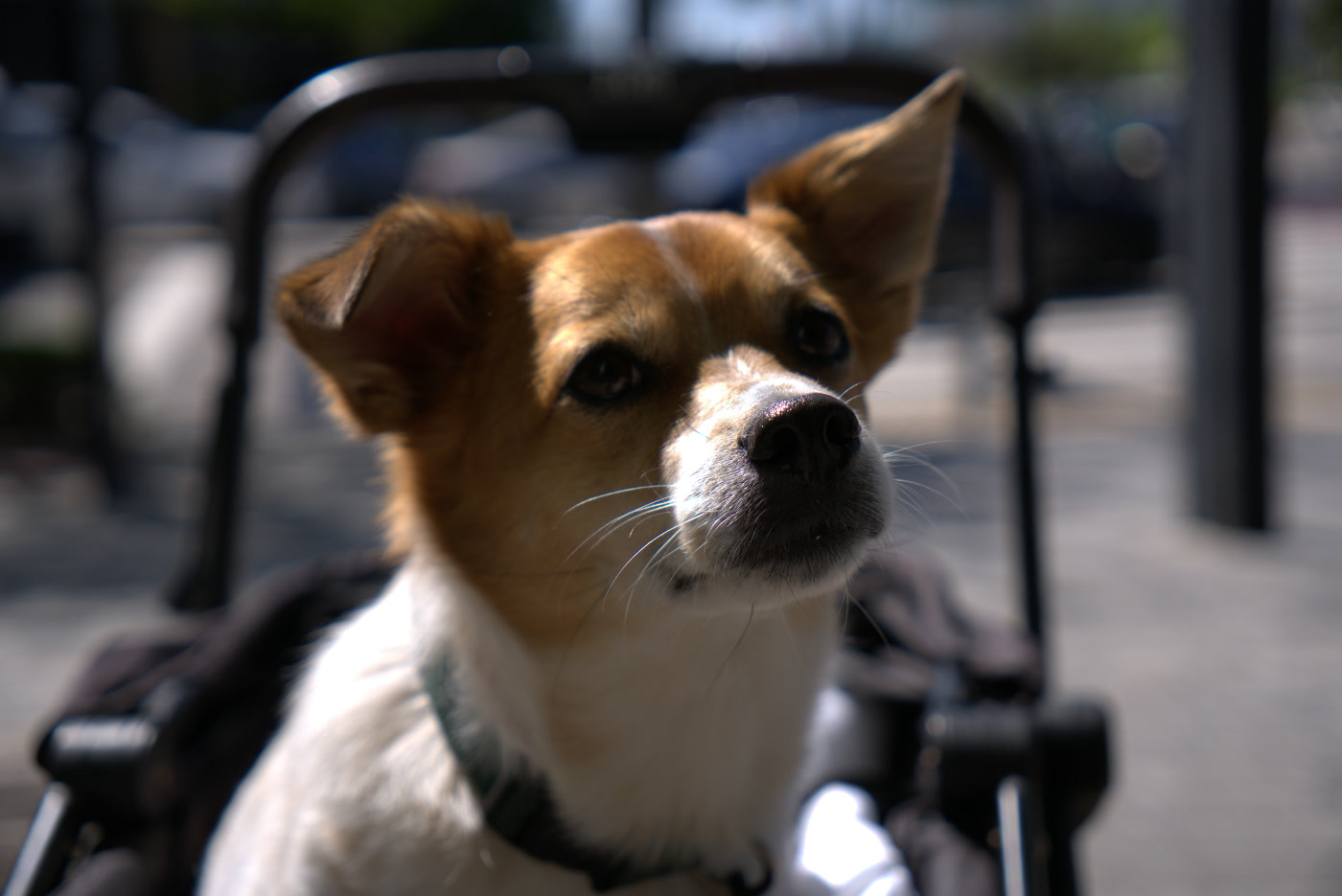
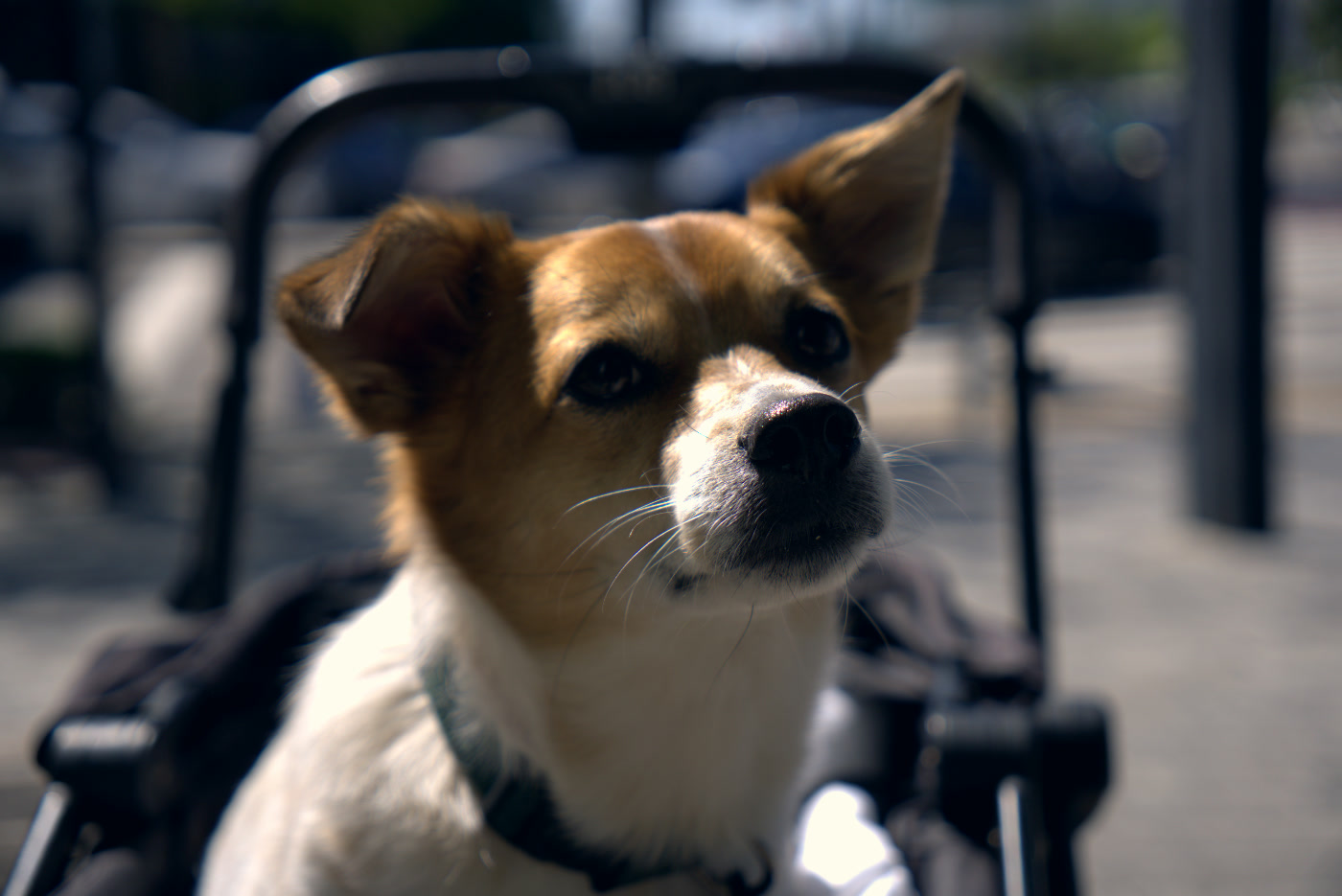
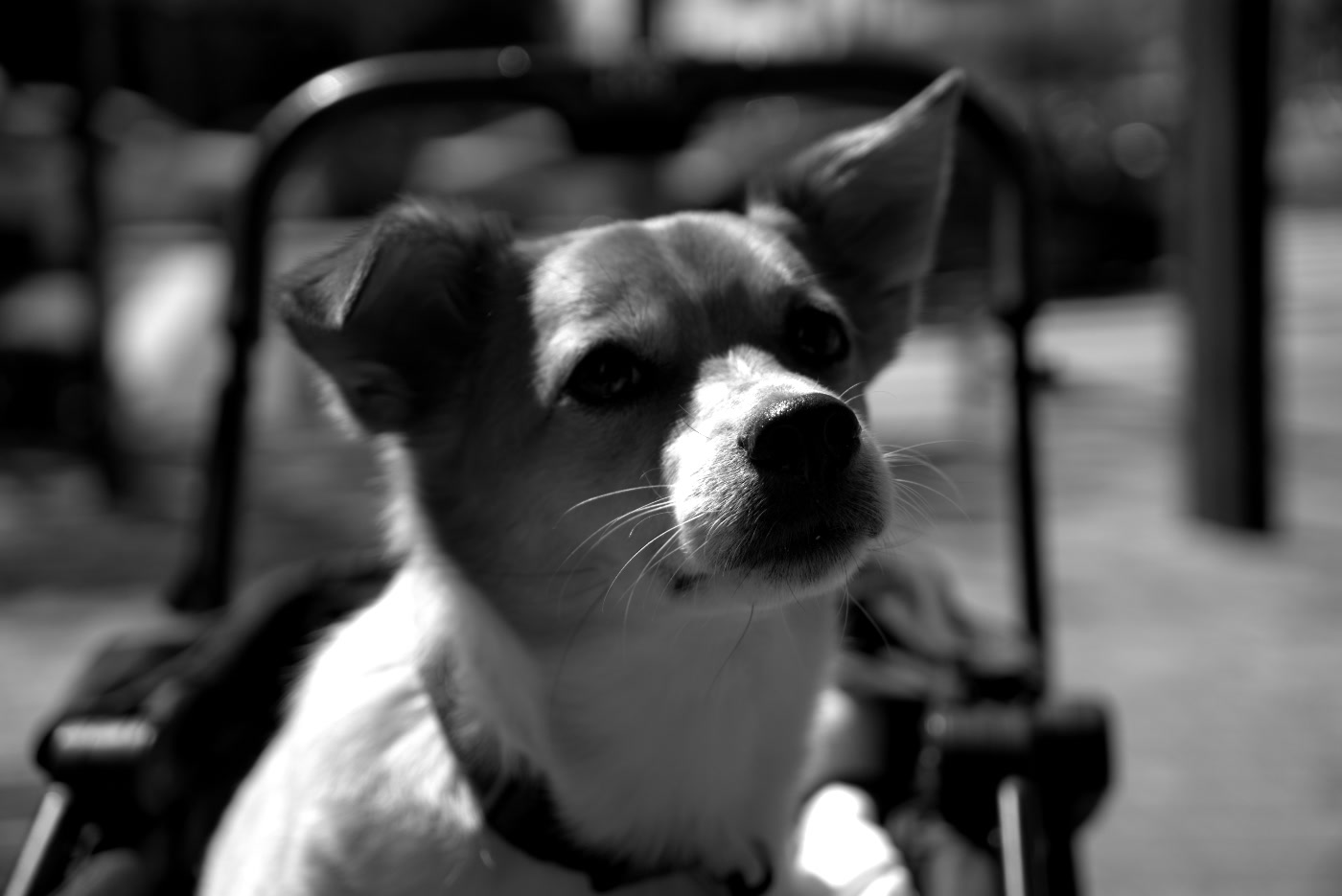
One RAW, three looks
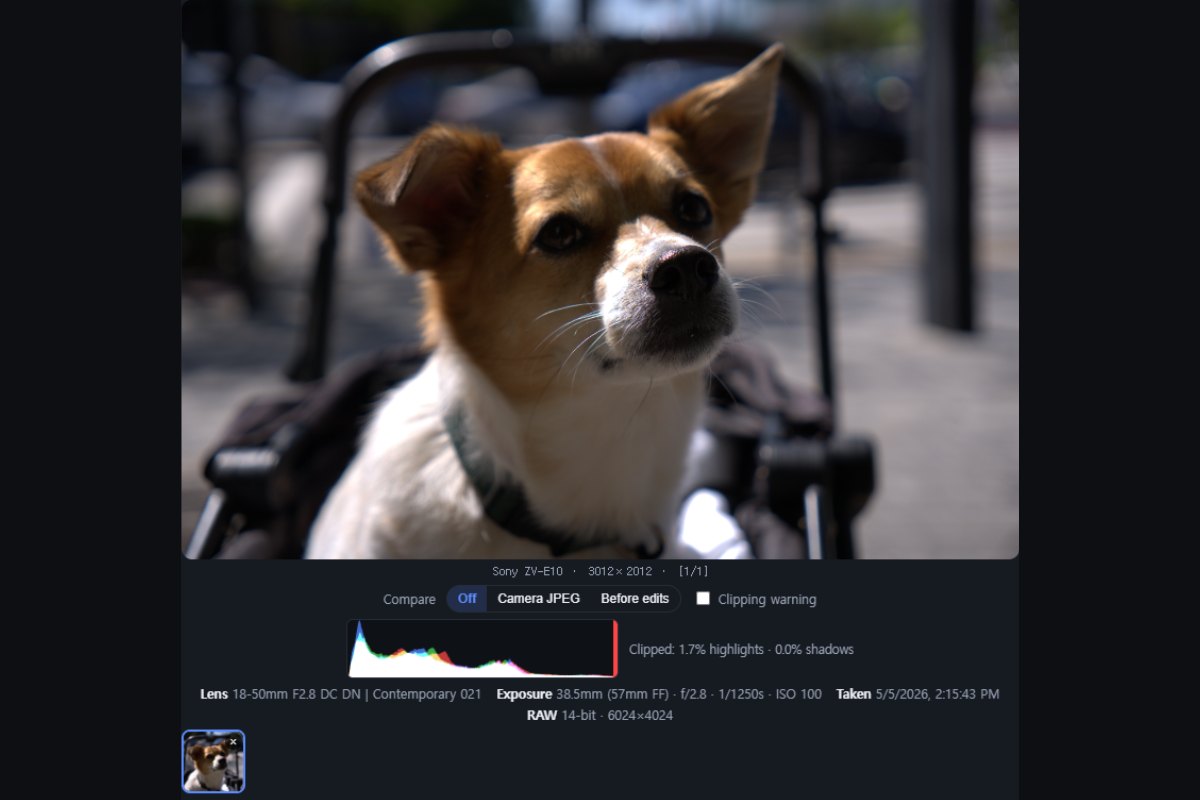
The same RAW file developed in RAWSnap and exported as JPG — a natural conversion plus one-tap presets, all created in your browser.
What is a RAW file?
A RAW file is the unprocessed data straight from your camera's sensor, so it holds far more editing latitude than a JPG — but most apps, phones and websites can't open it directly. RAWSnap develops that sensor data into a standard JPG you can share anywhere, keeping the color natural.
Supported RAW formats
Convert Sony ARW, Canon CR2 and CR3, Nikon NEF, Adobe DNG, Fujifilm RAF, Olympus/OM ORF and Panasonic RW2 to JPG. Phone RAW such as Samsung Expert RAW and Apple ProRAW is supported via embedded preview. Batch-convert many files at once and download them as a ZIP.
How to convert RAW to JPG
- Open one or more RAW files — nothing is uploaded.
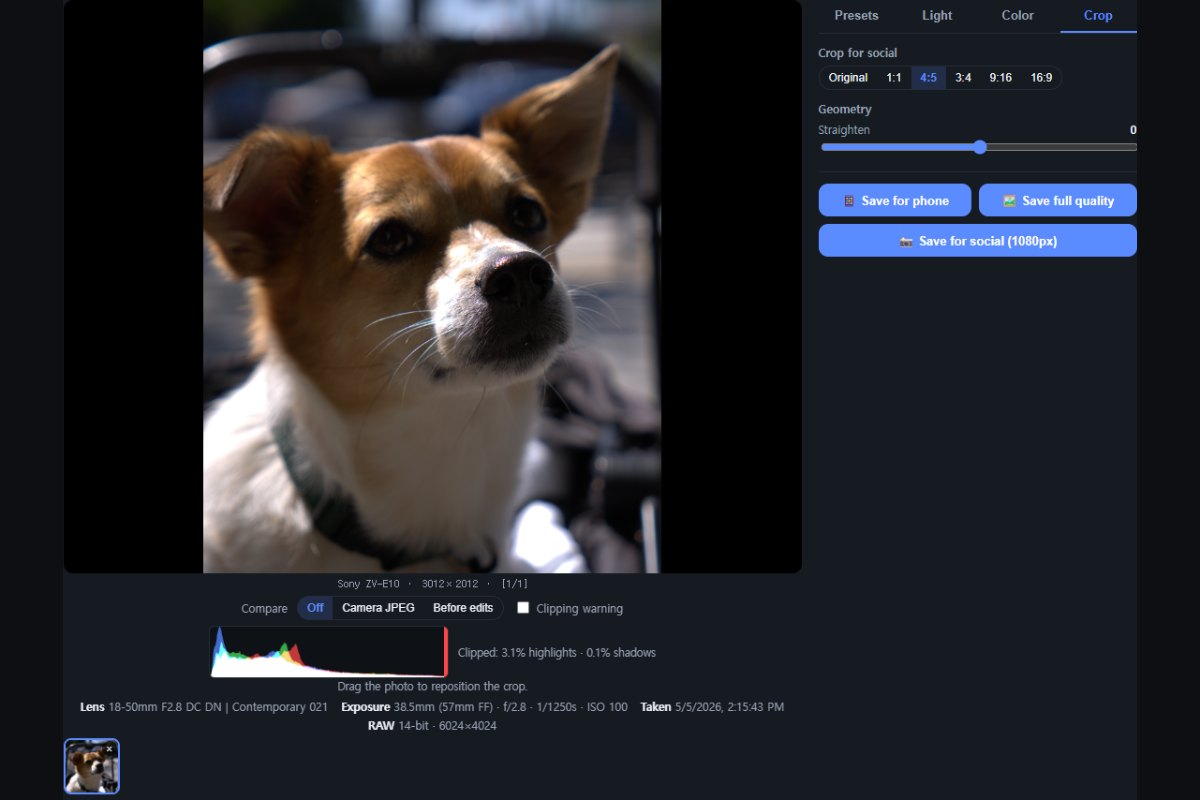
- Pick a preset or adjust exposure, contrast, color and more.
- Save for phone, save full quality, or download all as a ZIP.
Private by design
Because every file is processed on your own device, your photos never touch a server, there's no account to create, and there's nothing to delete afterward — ideal for client work and personal photos alike.
Frequently asked questions
Yes. RAWSnap is completely free and runs in your browser.
Are my photos uploaded to a server?No. All processing happens locally in your browser; your photos never leave your device.
Which cameras and RAW formats are supported?Sony ARW, Canon CR2/CR3, Nikon NEF, Adobe DNG, Fujifilm RAF, Olympus/OM ORF and Panasonic RW2, plus phone RAW like Samsung Expert RAW and Apple ProRAW via embedded preview.
Do I need to install anything?No installation. RAWSnap works in any modern browser on desktop or mobile.
Learn to get more from your RAW files
Practical, in-depth guides written for photographers — useful whichever software you use.
Guides by camera format
Sony ARW · Canon CR3 & CR2 · Nikon NEF · Fujifilm RAF · Olympus / OM System ORF · Panasonic RW2 · DNG · All formats →